Shopify Functions Instead of Scripts: What Has Changed
Shopify Scripts were shut off on June 30, 2026. What Functions can do, what works without Plus, what needs a custom app on Plus and how to sort old rules.

Jason Spizert
Updated on November 18, 2026
Published 6 min read
The short answer
Shopify shut off Scripts and the Script Editor on June 30, 2026, and Scripts no longer run in any store. Special rules for discounts, shipping, payment methods and checkout now run on Shopify Functions. You can use them on any plan through an app from the App Store. Custom apps with Functions, meaning rules built exactly for your business, are only available on Shopify Plus.
Scripts were the tool Plus stores used to control discounts, shipping and payment methods with their own rules. That era is over. If you are still missing rules or need new ones, you end up with Shopify Functions. This guide covers what they can do, what works without Plus and how to sort your old rules, based on Shopify's information as of November 18, 2026.
What happened to Shopify Scripts?
Shopify states in its Help Center that Shopify Scripts and the Script Editor app were shut off on June 30, 2026, and no longer run in any store. For custom discounts, shipping and delivery options or payment methods, Shopify names one path: an app that contains Functions.
Functions are built differently from Scripts. They always come as part of an app, either from the App Store or as a custom app.
What are Shopify Functions?
According to Shopify, Functions customize the logic in the background of your store. They run automatically once the app is set up, and you switch them on where they apply. Shopify names four areas:
- Checkout: rules that validate cart and checkout before an order is placed.
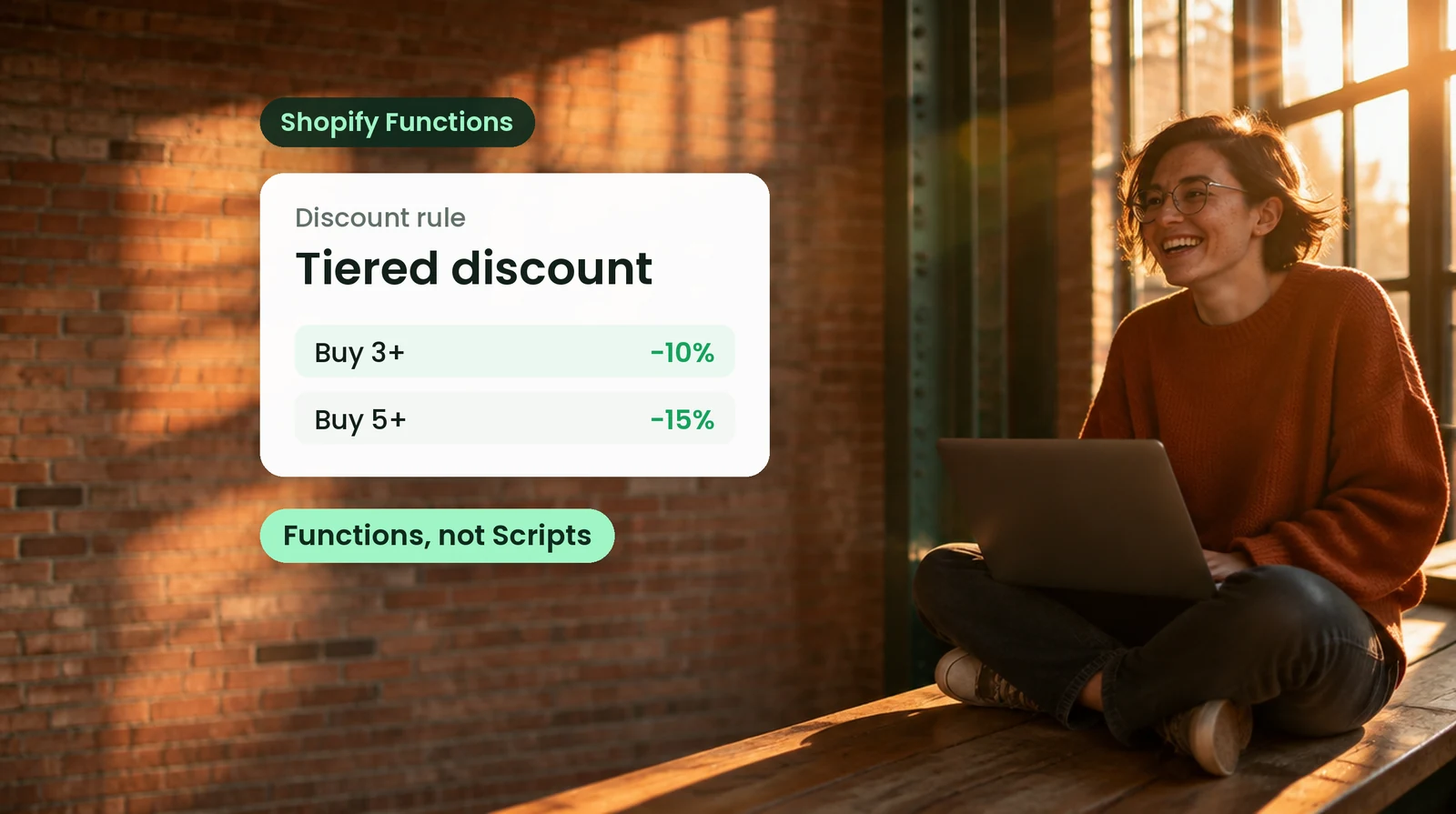
- Discounts: custom discount types beyond the standard discounts, for example tiers per product.
- Shipping and delivery: adjust delivery options in checkout.
- Payment methods: your own rules for which payment methods are offered.
In the Shopify admin under Settings and Apps, you can see for each app how many Functions are active and in which areas they run.
Public app or custom app: what works without Plus
This is the most important boundary. According to Shopify, you can use public apps with Functions on any plan. Custom apps that contain Function APIs are reserved for Plus, and so are some Functions capabilities.
| Public app with Functions | Custom app with Functions | |
|---|---|---|
| Plan | any plan with Shopify apps | Shopify Plus only |
| Source | from the Shopify App Store | built for your store |
| Rules | as the app developer designed them | exactly fitted to your business |
| Cost | usually a monthly app fee | one-time development, then maintenance |
| Fits when | your rule is a common one | no app covers your rule |
Plan
Public app with Functionsany plan with Shopify apps
Custom app with FunctionsShopify Plus only
Source
Public app with Functionsfrom the Shopify App Store
Custom app with Functionsbuilt for your store
Rules
Public app with Functionsas the app developer designed them
Custom app with Functionsexactly fitted to your business
Cost
Public app with Functionsusually a monthly app fee
Custom app with Functionsone-time development, then maintenance
Fits when
Public app with Functionsyour rule is a common one
Custom app with Functionsno app covers your rule
Key takeaway
Search first, then build. A public app covers many rules. A custom Function pays off when your rule is so specific that no app fits it.
Example: volume discounts the client maintains on their own
A manufacturer of stone-working tools sells a lot in large quantities to professionals. The tiers differ per product, for example 5% from 50 units and 15% from 200 units, and they change whenever purchase prices change.
For this, we built a custom Shopify Function. It calculates the discount right in the cart. The client's team maintains the tiers itself in the Shopify admin, on every product and every variant, without a developer. Before going live, we recalculated the old cases in the cart until every amount was right.
Sorting your old rules: how to proceed
- Write down every rule a Script used to handle, with an example from a real order.
- Cross out what nobody needs anymore. After years, rules often keep running long after their reason is gone.
- Check what Shopify can do itself: discounts, B2B price lists, quantity rules and shipping profiles cover a lot.
- For the rest, look for a public app with Functions. Make sure it runs on your plan.
- If a rule remains that no app covers, that is the case for a custom Function on Plus.
- Test every rule with your real cases before it goes live: cart, discount, shipping, payment method.
What else you can customize in checkout on which plan is covered in How to customize Shopify checkout. Whether Plus pays off for you, including through lower fees, is covered in our Shopify Plus guide. What Plus can do and what works without it is compared in Shopify vs. Shopify Plus. If your rules come from your ERP, for example prices per customer, see Shopify ERP integration.
Frequently asked questions
No. According to Shopify, Shopify Scripts and the Script Editor were shut off on June 30, 2026, and Scripts no longer run in any store. You now implement discount, shipping and payment rules with apps that contain Shopify Functions.
Not for all of them. According to Shopify, you can use public apps from the App Store that contain Functions on any plan. Custom apps with Shopify Functions, meaning rules built exactly for your business, are only available on Plus. Some Functions capabilities are also reserved for Plus.
According to Shopify, Functions customize the logic in the background: custom discount types, rules for cart and checkout, adjustments to shipping and delivery options, and rules for payment methods. They run automatically once the app is set up.
In the Shopify admin under Settings and Apps. On each app's page, the Functions card shows how many are active and in which areas they run, for example checkout, discounts, payments or shipping.
First list which rules you really still need. Many can be covered with Shopify's built-in tools or a public app. For very specific rules on Plus, we build a custom Function and test it before it goes live.
It depends on the rule: how many cases it has to cover, whether your team should maintain values itself and how it is tested. We quote this separately after a short review. Public apps with Functions usually cost a monthly fee paid to the app developer.