How Do You Switch Store Platforms Without Losing Your Google Rankings?
Migrate your store without losing rankings: why stores drop in Google after a move and the SEO checklist against it, from 301 redirects to the first weeks.

Jason Spizert
Updated on October 30, 2026
Published 5 min read
The short answer
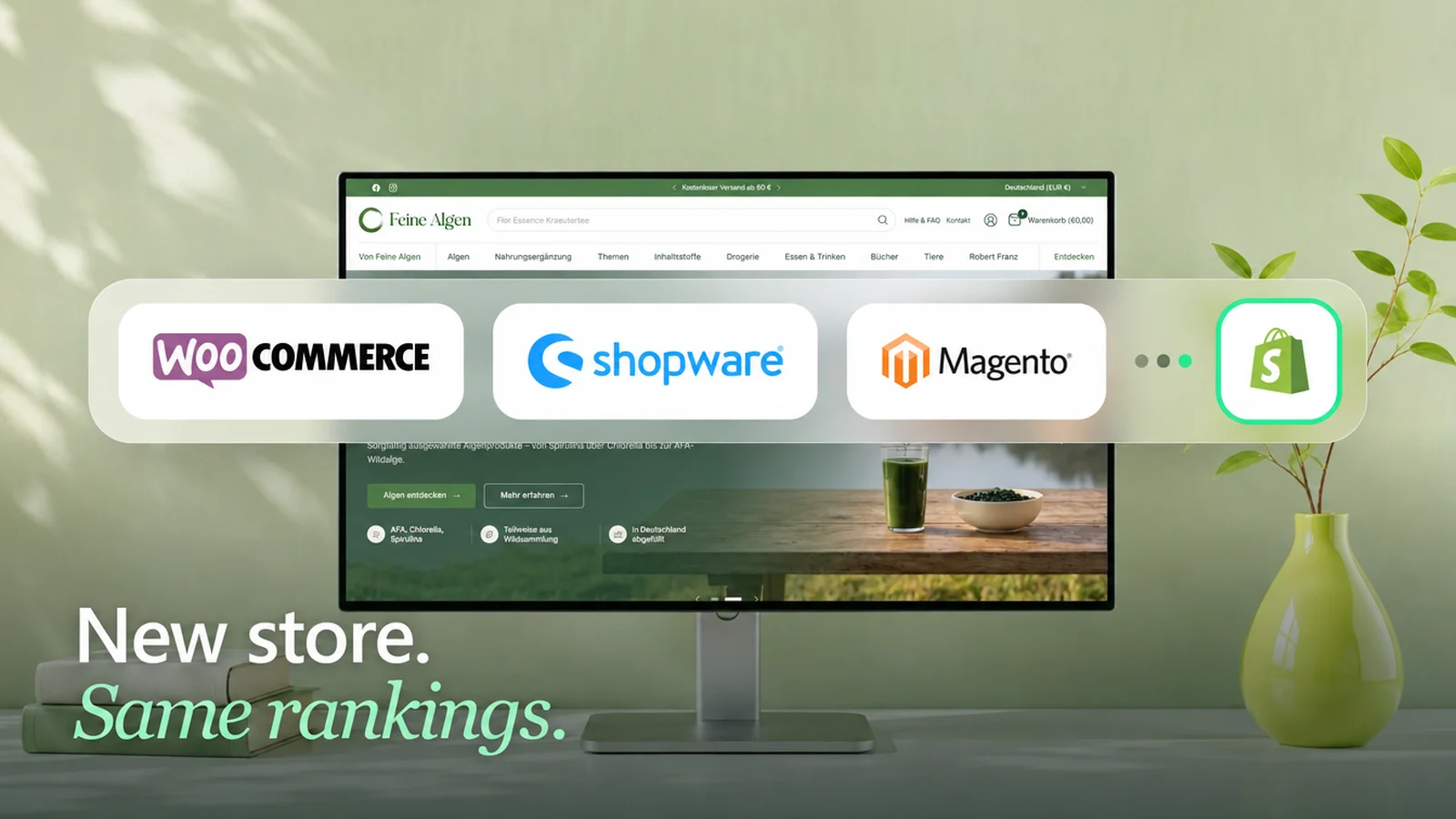
Platform switch or relaunch: when a store moves, rankings are almost never lost because of the new system, but on the way there. URLs change without redirects, copy stays behind in the old store, and nobody checks after launch. If you capture every page with visitors beforehand, redirect each one to its new URL one to one, carry over titles and content and work through Search Console during the first weeks, your visibility is usually preserved.





 Redirects live, data checked
Why stores lose rankings when they migrate
"We moved from Magento 2.x to Shopify last week and our traffic dropped by 75%."Store owner, Shopify Community (translated)
A sentence like that is scary. The traffic really was gone, but Shopify wasn't the reason: Google could no longer find what it knew before.
It's like moving without forwarding your mail. For a few weeks someone at the old address still accepts your letters, then everything gets sent back. In the same way, every old URL that leads nowhere gradually loses its place in Google. There are five points where this happens:
Key takeaway
The new system is rarely the problem. The way there is.
Step 1: Take inventory before anything moves
Before you create a single redirect, you need the complete list of every URL in your old store. Not the ones you know. All of them.

What you don't write down beforehand, you won't miss afterwards. Google will. Save the list before the old store is shut down. After that, you can't look it up anymore.
Step 2: A top-priority list instead of treating everything the same
Most URLs in a store don't bring a single visitor. Not every URL is worth the same. The valuable ones get your time, the rest get a rule.

Step 3: Every old URL to its matching new page
Now you build the redirect plan: old URL on the left, new one on the right. One to one, so the red summer dress goes to the red summer dress. Not to "Dresses", not to the homepage.
Technically, this is a 301 redirect. It tells Google: this page has moved permanently, and it's now here. In Shopify, you create them in the admin under URL redirects, one at a time or as a CSV import.
For pages that no longer exist in the same form in the new store, you need rules. In our big migration, this is what it looked like for the brand pages:
"The problem is that all categories in Shopware end with a slash."Store owner, Shopify Community (translated)
You'll find similar sentences in many forums. It's solvable if you know about it in advance. What else is different when you move from Shopware is on our page Shopware to Shopify. A redirect to the homepage is not a redirect. It's a polite error.
How URLs change by platform
How much work goes into the redirect plan depends on the old system. Typical patterns; the details depend on your store's settings:
| Old system | Product today | Category today | In Shopify |
|---|---|---|---|
| Shopware | /product-name/number | /category/ with trailing slash | /products/… and /collections/… |
| WooCommerce | /product/name/ | /product-category/name/ | /products/… and /collections/… |
| Magento | /product-name.html | /category.html | /products/… and /collections/… |
| JTL-Shop | /Product-name, often with capital letters | /Category-name | /products/… and /collections/… |
| plentymarkets | /name/a-123 | /category/ | /products/… and /collections/… |
What else is different when moving from each system is on our pages Shopware to Shopify, WooCommerce to Shopify, Magento to Shopify, JTL to Shopify and Plentymarkets to Shopify.
Step 4: Carry over content and signals
If the URL moves but the copy doesn't, even the best redirect won't help much. So check every top-priority page individually:
The URL moves, and the content has to come with it. If you're redesigning anyway, it's best to improve weak category copy at the same time. How we approach that is on our page about Shopify redesigns.
Step 5: Switch day
The day itself is unspectacular if the steps before it were clean. The order:
Why the numbers in analytics and ad accounts can still drift apart afterwards is explained in why Shopify, GA4 and Meta show different numbers. You switch when the list is done, not when the calendar says so.
Step 6: Fix things in rounds during the first weeks
After launch, half the work is only just beginning. During the first four to six weeks, check Search Console once a week, more often for large stores.
Small fluctuations are normal, since Google first has to see and classify the new URLs. The first six weeks decide whether a fluctuation turns into a loss.
The timeline at a glance
All six steps, spread over the weeks before and after switch day. For large stores, the work starts earlier.
| When | What |
|---|---|
| 8 to 6 weeks before | Take inventory: crawl, Search Console, analytics, backlinks. Build the top-priority list. |
| 6 to 2 weeks before | Write the redirect plan, transfer copy and titles. The staging store stays behind a password so Google doesn't index it early. |
| Final week | Check redirects in the staging store, test tracking, save the list of backlinks. |
| Switch day | Switch, test top-priority pages and redirects, submit the sitemap. |
| Weeks 1 to 6 after | Search Console once a week: 404 pages, non-indexed pages, positions of the top-priority pages. |
| From month 2 | Compare before and after, ask for important backlinks to be updated to the new URL. |
If the domain changes too, there's one more step: verify both domains in Search Console and use the Change of Address tool there. According to Google, keep the old domain's redirects in place as long as possible, at least one year. So don't cancel the old domain.
If you already lost rankings in your last switch
Then you're not alone. Part of it is often still there, just no longer connected. So before the next migration, it pays to take inventory in reverse.
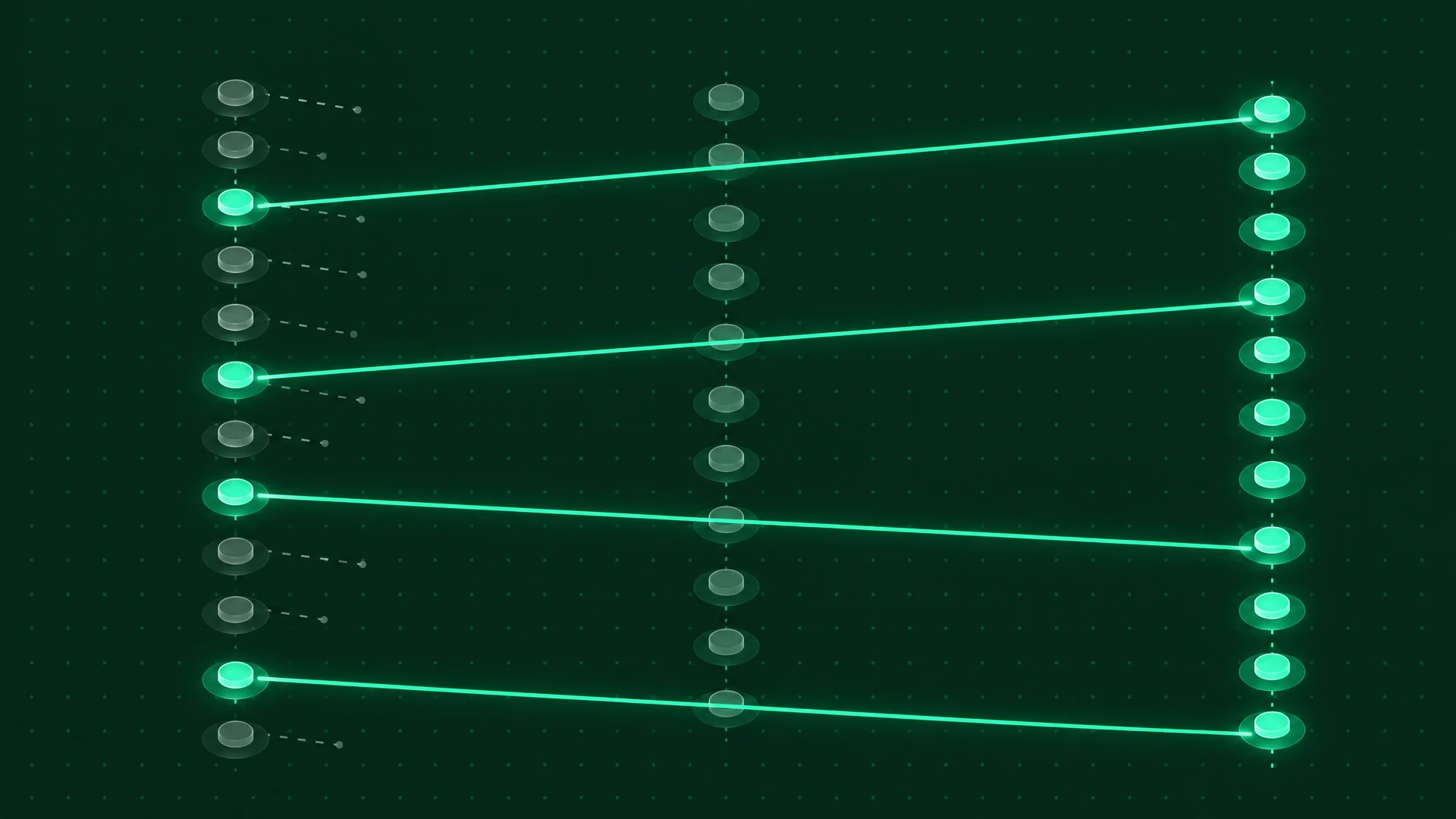
If you know what was lost last time, you can win part of it back next time. That turns the new migration into a repair of the old one.
Who should run the migration?
We have our own SEO experts on the team and bring them in as soon as SEO matters for your store. How a project like this runs with us is described on process and timeline of a Shopify project.

Which special cases a good provider will also ask about is on our page about Shopify migration, including the migration checklist in twelve chapters to tick off. If the platform is still open: Shopify vs. Shopware and WooCommerce vs. Shopify.
Until the migration, the old store remains your responsibility. If it runs on PHP, apply security updates such as the fix for the PHP2Shell vulnerability right away, not only after the switch.
Frequently asked questions
Six to eight weeks before switch day. That gives you time to take inventory, build the top-priority list, write the redirect plan and test everything in the staging store. If you only start in the final week, you end up redirecting just the pages you happen to remember.
Redirect every URL on the old domain with a 301 to the matching new page, verify both domains in Search Console and use the Change of Address tool there. According to Google, keep the redirects in place as long as possible, at least one year. And don't cancel the old domain.
Six steps: capture every old URL (crawl, Search Console, analytics, backlinks), build a top-priority list by clicks, revenue and backlinks, redirect every old URL with a 301 to the matching new page, carry over titles and copy, test the top-priority pages and submit the sitemap on switch day, and work through Search Console in rounds during the first weeks.
In the Shopify admin under URL redirects, one at a time or as a CSV import for many URLs at once. Shopify creates 301 redirects. Important: a redirect only works if no page exists at the old URL in the new store. If your old URLs ended with a trailing slash, test both versions.
No. Rankings get lost when URLs disappear without a redirect, content doesn't move over or nobody fixes things after launch. With a clean redirect plan and follow-up work in Search Console, visibility is usually preserved. Small fluctuations in the first weeks are normal.
With a clean execution, small fluctuations usually settle within a few weeks. If an important page stays down longer, there is almost always a specific error behind it: a missing redirect, missing copy or a wrong title. You'll find it in Search Console.
As many as the old store has URLs that bring visitors or backlinks, plus one rule for everything else. For small stores that's a few hundred, for large ones several thousand. In one of our projects it was 4,095.
No. Google treats those redirects almost like missing pages, because the homepage doesn't answer the question the old page ranked for. Every URL should point to the new page that matches its content.
Often partly. To do that, you compare the period before and after the old switch in Search Console, find the old URLs through old crawls, the web archive and backlinks, and redirect them directly to the matching pages. Lost copy gets rebuilt.
Not necessarily for small stores with little traffic from Google. As soon as Google drives a relevant share of revenue, yes, and from the planning stage on, not only after launch.