WooCommerce vs. Shopify: Which Platform Fits Your Store?
WooCommerce or Shopify: what both really cost, who takes care of tech and updates, which one fits whom and when switching pays off, with sample math.

Jason Spizert
Updated on October 30, 2026
Published 7 min read
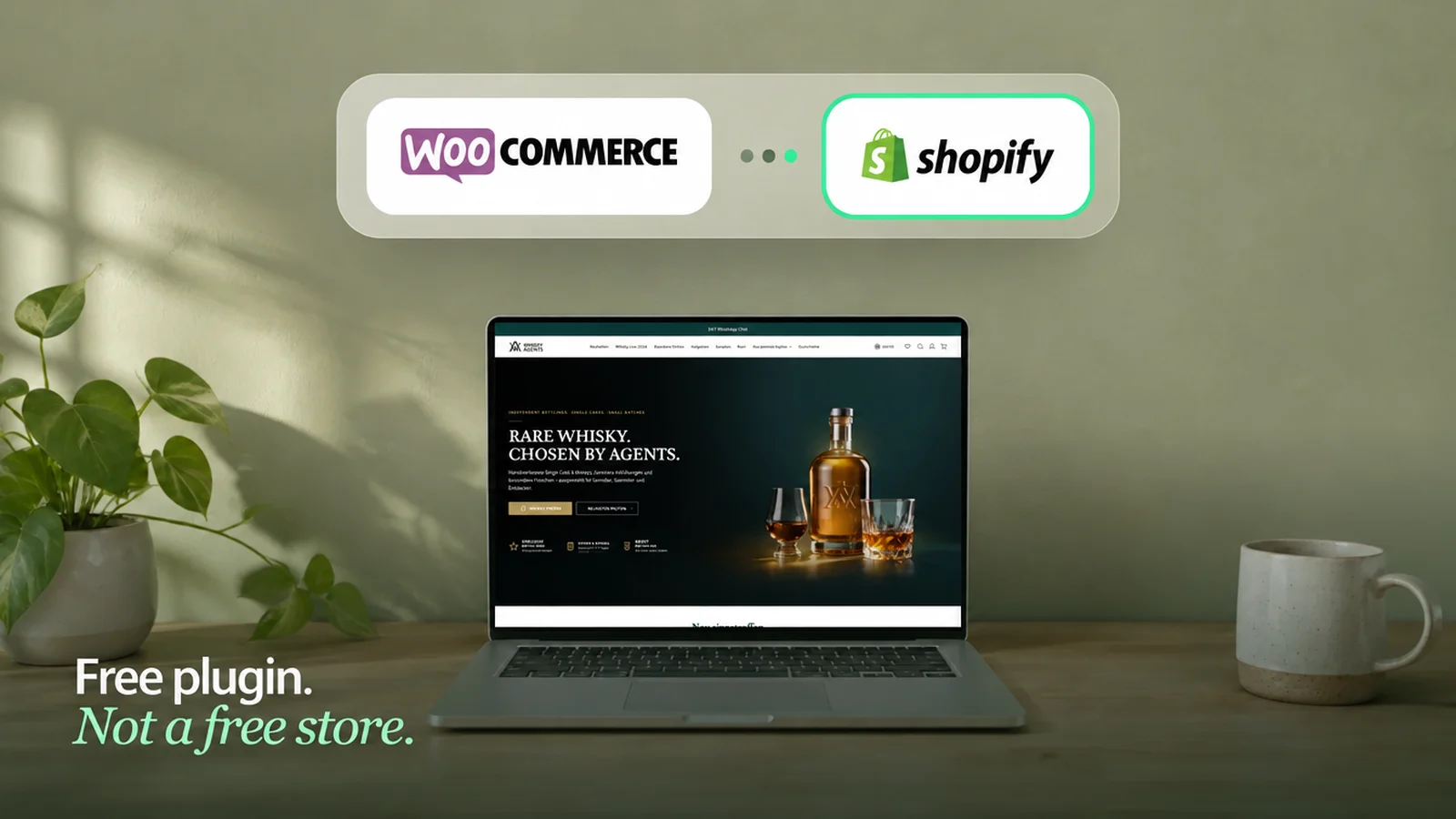
The short answer
Choose Shopify if your team wants to sell and shouldn't have to take care of tech: Shopify handles hosting, updates, security and checkout, and in return you pay monthly plus a fee depending on your payment provider. Choose WooCommerce if you are already deep into WordPress, run a lot of content and have someone who reliably maintains servers, plugins and updates. WooCommerce is free software, but it isn't free to run: the costs are in hosting, extensions and maintenance time.
WooCommerce and Shopify compared
The key points side by side, as of October 2026. Details on each point follow below.
| WooCommerce | Shopify | |
|---|---|---|
| What it is | free WordPress plugin | rented store platform |
| Operations, updates, security | you or your host | Shopify |
| Costs | hosting, extensions, maintenance time | from €27 a month plus payment fees and apps |
| Legal requirements (in Germany) | through extensions like Germanized | through settings and apps |
| Multiple countries and languages | through plugins | built in (Shopify Markets) |
| Wholesale and retail | through plugins | B2B built in, scope by plan |
| Sales channels (Google, Meta, TikTok) | through plugins | as channels in the admin |
| URLs and blog | your choice, WordPress blog | fixed paths, simple blog |
The real difference: who takes care of the tech?
WooCommerce is a WordPress plugin. You run the website yourself: servers, updates, security, backups. Shopify is a rented platform, and Shopify handles technical operations. Day to day, this is less a question of tech than a question of your time.
“I currently run the store completely on my own, working with countless support teams for WordPress, WooCommerce, various plugins and, above all, the theme.”Store owner, Shopify Community (translated from German)
Key takeaway
With WooCommerce, you are the operator. With Shopify, you are the merchant.
What that means in practice was shown in October 2026 by the PHP vulnerability “PHP2Shell”: anyone running WooCommerce had to check their server's PHP version or ask their host. With good managed hosting, that's done quickly; someone just has to be responsible.
What the platforms really cost
WooCommerce itself costs nothing. It still isn't free; the costs are just elsewhere:


“WooCommerce takes up a lot of maintenance time (updates, plugin conflicts, etc.).”Store owner, Reddit
Shopify costs a monthly fee. According to Shopify, as of October 2026:
| Plan | per month, billed annually | billed monthly | Online card payment with Shopify Payments | Extra fee with a third-party payment provider |
|---|---|---|---|---|
| Basic | €27 | €36 | 2.1% + €0.30 | 2% |
| Grow | €79 | €105 | 1.8% + €0.30 | 1% |
| Advanced | €289 | €384 | 1.6% + €0.30 | 0.6% |
| Plus | not stated | from €2,100 | 1.3% + €0.30 | 0.2% |
The item many people overlook: the extra fee when you use a payment provider other than Shopify Payments. At €30,000 in monthly revenue on the Basic plan, 2% is exactly €600 a month, on top of the provider's own fees.
And to be honest: Shopify stores need apps too, often with a monthly fee. Install ten apps and you pay ten times. Which ones are worth it is covered in Best Shopify apps, and all items together in How much does Shopify cost? Every cost, honestly calculated.
“But it's just nice and easy, and with Shopify you have all these plugins, but it's also expensive”Store owner, sellerforum.de (translated from German)
Calculate both platforms over two years, with everything you really need. And count your own time.
SEO and URLs: what's different on Google
Both platforms can rank well. The difference is freedom. WooCommerce runs on WordPress, and you design URLs and your blog however you like. Shopify sets the paths: products live under /products/, categories under /collections/, articles under /blogs/. In return, Shopify brings fast servers, an automatic sitemap and clean default settings.
This matters when you switch. Because almost every URL changes, every old page needs a redirect to the matching new one. If you plan that, you won't lose rankings. How to do it is covered in How to migrate your store without losing rankings. If your store relies heavily on blog content, check beforehand whether the blog moves too or stays on WordPress.
When WooCommerce is the better choice
If several of these points apply, WooCommerce is a good decision. Then you shouldn't switch just because everyone is talking about Shopify.
When Shopify is the better choice


“I don't want to spend time making backups just to find out whether a plugin update is going to break something.”Store owner, Reddit

If Shopware is on the list too: Shopify vs. Shopware. And if you are starting fresh instead of moving: Shopify store development.
Was switching from WooCommerce to Shopify worth it?
Many people ask this before they move. The honest answer depends on why you switch.
“after a year, we finally moved our store from WordPress/WooCommerce to Shopify, which we should have done much sooner.”Store owner, Shopify Community (translated from German)
It was worth it if …
- plugins, updates and servers used to eat up your time
- the time freed up went into your offer and your store
It was disappointing if …
- you expected the new platform alone to bring more revenue
- offer and store stayed the same after the move
A platform switch doesn't make a store better. It takes work off your plate that you can then put into your store.

With Whisky Agents, we went exactly this route: from WooCommerce to Shopify, with 1,250 products, a dedicated brand world and several language versions. We have been looking after the store ever since. A switch pays off when it gives you back time you can put into selling.
What matters when you move
Plugins don't move; they need a counterpart in Shopify.How the move works with us is covered on our WooCommerce migration page. And if you first want to see where your current store loses buyers, get in touch.
Frequently asked questions
WooCommerce is a free WordPress plugin that you run yourself: servers, updates, security and backups are on you or your host. Shopify is a rented platform that handles operations and costs a monthly fee. On both, features come through extensions: plugins on WooCommerce, apps on Shopify.
Both can rank well. WooCommerce gives you more freedom with URLs and blogging because it runs on WordPress. Shopify sets URLs like /products/ and /collections/, but brings fast servers, a sitemap and clean basics. What matters are content, load time and, when switching, redirects.
It depends on who takes care of the tech. Shopify is better for teams that want to sell without maintaining servers, updates and security themselves. WooCommerce is better when the store is part of a large WordPress website and someone reliably takes care of the tech.
As software, yes: WooCommerce is free. In operation, not necessarily: hosting, paid extensions with annual fees and maintenance time come on top. Shopify costs from €27 a month billed annually, plus payment fees and apps. Compare both over two years with everything you really need.
With Shopify Payments, you pay 2.1% to 1.3% plus €0.30 per online card payment, depending on your plan. If you use a third-party payment provider, an extra fee of 2% on Basic, 1% on Grow, 0.6% on Advanced and 0.2% on Plus comes on top (as of October 2026).
Usually when maintaining plugins, updates and servers used to take a lot of time. A platform switch alone doesn't bring more revenue; it gives you time back for your offer and your store.
Yes. Products including variants, customers, orders and categories can be exported and imported, reviews depending on the plugin. Plugins themselves don't move; they need a counterpart in Shopify. Customer passwords can't be transferred; in Shopify, customers log in with an email code.
Not if every old URL redirects to the matching new page and the content moves along. Small fluctuations in the first weeks are normal.